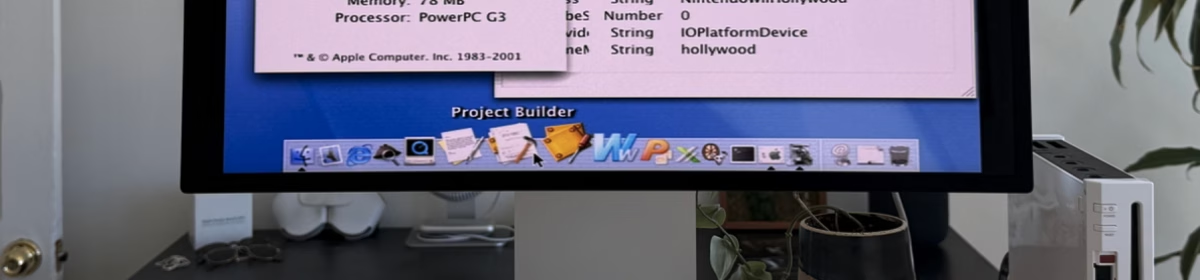
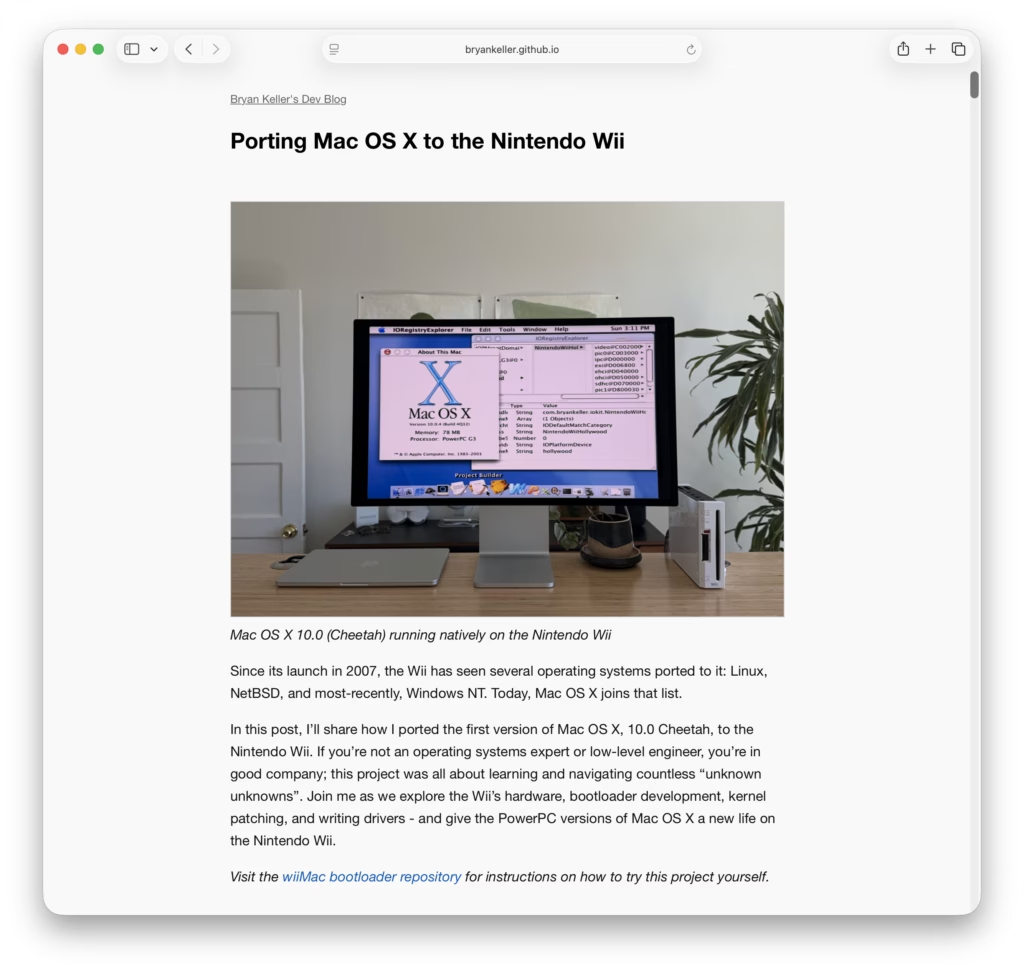
Apparently someone has ported OSX 10.0 to the Nintendo Wii!
A Little More Web Kipple
Apparently someone has ported OSX 10.0 to the Nintendo Wii!

FastCompany has a really nice article on Apple’s early history.
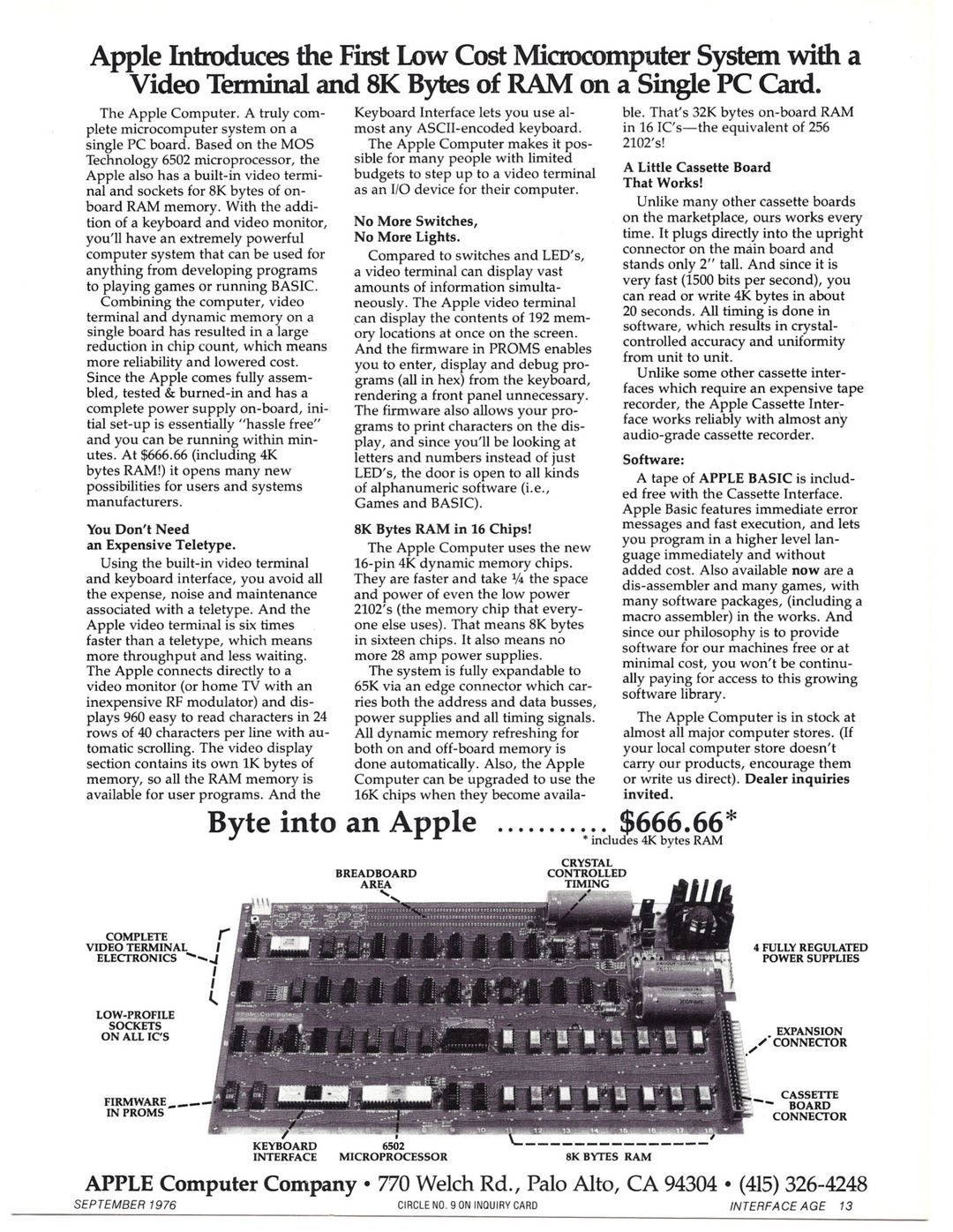
Retro Computer Adverts has a rather special post to celebrate the 50th anniversary of Apple’s founding; a look at their first – and probably most important product – the Apple 1.

One Foot Tsunami has an entirely reasonable rant about MacOS Tahoe’s terrible Squircle icons. They’re just corporate blanding to the max.
Well, it’s been a little while since I last looked at sizing Time Machine backups on MacOS and, with MacOS 26 (‘Tahoe’), the magic incantation needed to pull that information out has changed.
Open up a terminal and enter the following…
log show --predicate 'subsystem == "com.apple.TimeMachine"' --info | grep "will be in backup of all sources" …and this will print out a number of records from previous Time Machine sessions thus…
2025-11-17 08:59:01.989807+0000 0xdd79ec   Info        0x0                  27411  0    backupd: (TimeMachine) [com.apple.TimeMachine:SizingProgress] Estimated a total of 3112764 files (13.52 TB) will be in backup of all sources
2025-11-17 09:54:37.554473+0000 0xde7d23   Info        0x0                  27411  0    backupd: (TimeMachine) [com.apple.TimeMachine:SizingProgress] Estimated a total of 3113582 files (13.51 TB) will be in backup of all sources
2025-11-17 10:54:38.754477+0000 0xdfb366   Info        0x0                  27411  0    backupd: (TimeMachine) [com.apple.TimeMachine:SizingProgress] Estimated a total of 3119251 files (13.51 TB) will be in backup of all sources
2025-11-17 11:54:25.417194+0000 0xe0dd3f Info 0x0 27411 0 backupd: (TimeMachine) [com.apple.TimeMachine:SizingProgress] Estimated a total of 3123208 files (13.51 TB) will be in backup of all sourcesI’ve started to develop a fondness for these older computer adverts. This ‘Apple/Independence Day’ tie-in ad – from the dark days of 1996 when Apple was on the cusp of bankruptcy and Jobs was yet to return – feels comfortingly of that moment.
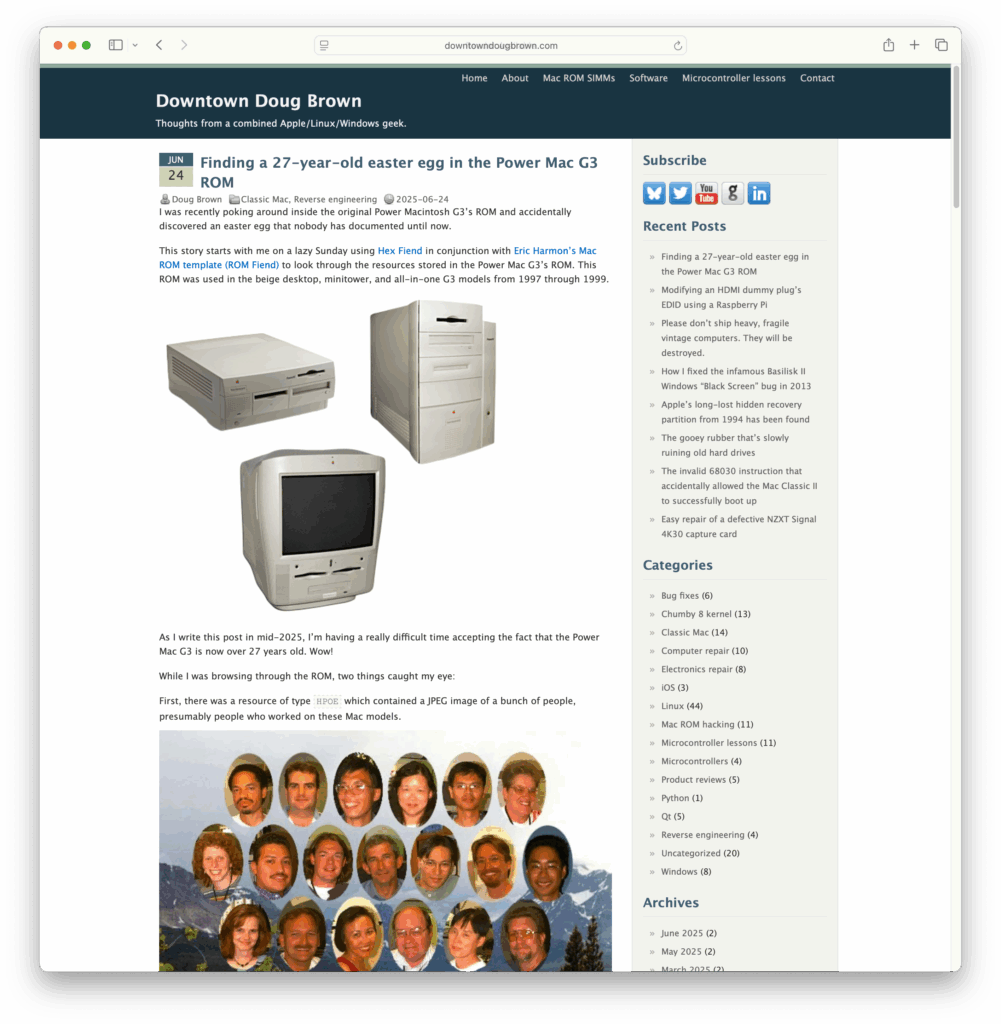
Continue reading “A Macintosh Independence Day”So apparently the firmware for a number of of the old PPC Macs had Easter Eggs embedded within them and, with the right combination of woo, you could get the firmware to spit these Easter Eggs out for you to view.
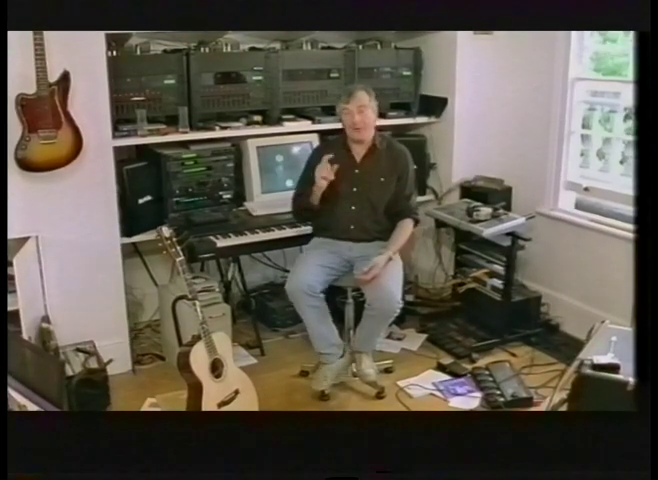
Another snippet of video and another quick look at Douglas Adams’ office space. Unlike my last post about Adams’ office, I’m having a little trouble narrowing down the source program – though the uploader of the original clip suggests that it may have been recorded around February 1995. If that’s true, then that suggests it was originally shown on a non-BBC channel as I cannot find anything in the BBC genome that references Adams during that period.
Another handy little magic spell for MacOS Sonoma’s Time Machine tool is…
log show --predicate 'subsystem == "com.apple.TimeMachine"' --info | grep "Estimated full backup will"
…which – when entered into a suitable Terminal instance – will print out Time Machine’s recent estimates of the storage costs of a full backup…
2024-05-02 06:46:35.507588+0100 0x3c5be8   Info        0x0                  291    0    backupd: (TimeMachine) [com.apple.TimeMachine:SizingProgress] Estimated full backup will contain 3113124 files (8.91 TB) from all sources
2024-05-02 07:46:49.802454+0100 0x3cd657   Info        0x0                  291    0    backupd: (TimeMachine) [com.apple.TimeMachine:SizingProgress] Estimated full backup will contain 3113163 files (8.91 TB) from all sources
2024-05-02 08:46:57.526626+0100 0x3d611b   Info        0x0                  291    0    backupd: (TimeMachine) [com.apple.TimeMachine:SizingProgress] Estimated full backup will contain 3113223 files (8.91 TB) from all sources
2024-05-02 09:47:03.731963+0100 0x3e04eb   Info        0x0                  291    0    backupd: (TimeMachine) [com.apple.TimeMachine:SizingProgress] Estimated full backup will contain 3114585 files (8.91 TB) from all sources
2024-05-02 10:47:35.409635+0100 0x3ecb04   Info        0x0                  291    0    backupd: (TimeMachine) [com.apple.TimeMachine:SizingProgress] Estimated full backup will contain 3116304 files (8.91 TB) from all sources
All very useful when shopping for a new target disk of if your monitoring your storage growth.