This is a nice little introduction to UX design issues via the medium of Lego interface blocks: https://interactionmagic.com/UX-LEGO-Interfaces/
A Little More Web Kipple
This is a nice little introduction to UX design issues via the medium of Lego interface blocks: https://interactionmagic.com/UX-LEGO-Interfaces/
Out into Runswick Bay by drone.
Episode Number: 1475
First Shown: 7.00pm on June 4th, 1992
Presenter(s): Tony Dortie and Claudia Simon
Official Top 40: @The Official Charts
Studio: BBC Elstree Centre
iPlayer: Top of the Pops – June 4th, 1992
BBC Genome: Here!
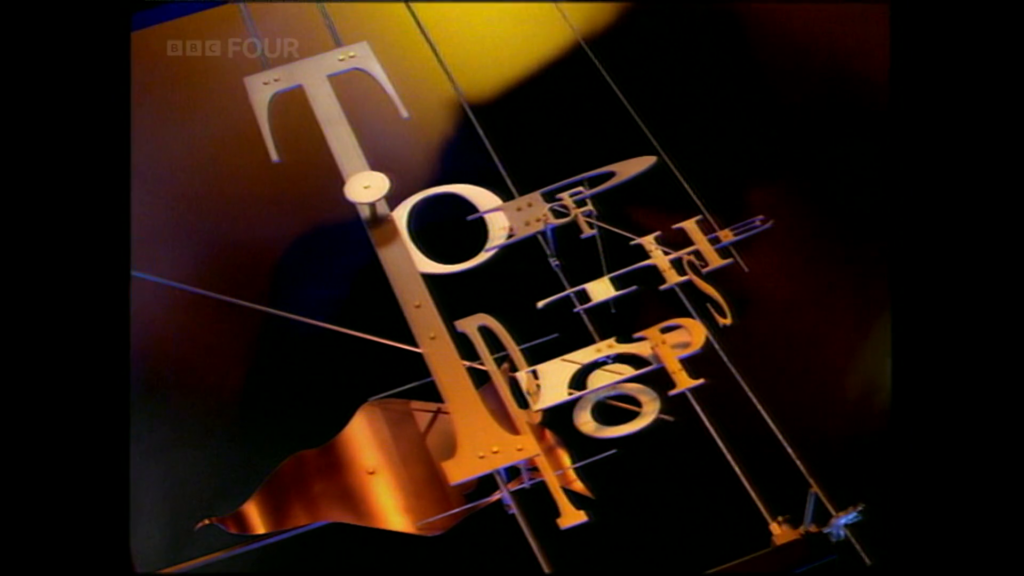
Good evening pop-pickers! It’s time for us move forward fours years from from a rather chilly February of 1988 to a rather warmer June 4th, 1992!
Yes pop-pickers, it’s time for another Random Acts of Top of the Pops!
It Only Takes A Minute / Take That (In the Studio)
Chart Position: #16
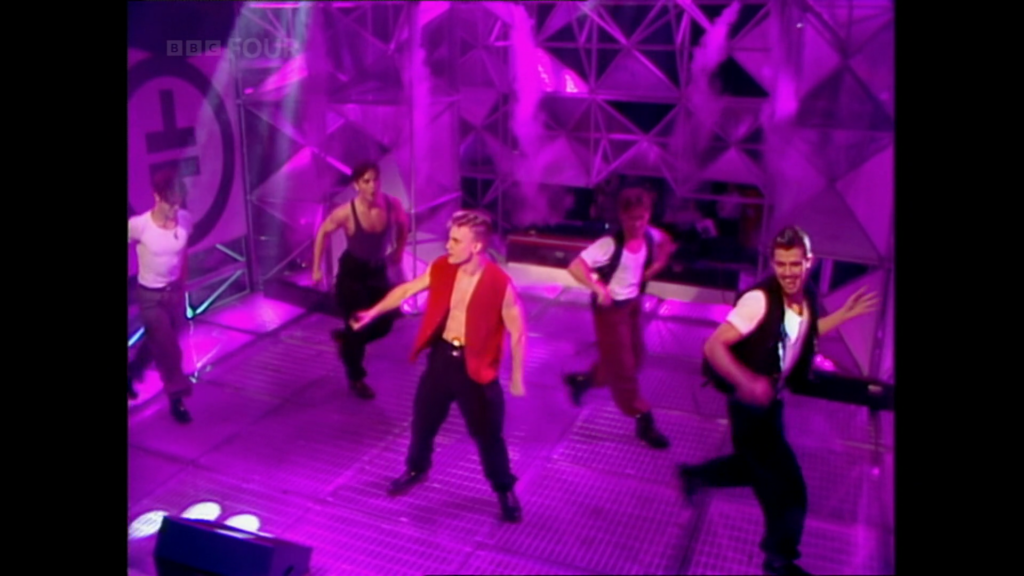
And tonight we open with one of the biggest boybands of the 90s (well, in the United Kingdom at the very least!) in what can only be described as a spot of early instalment weirdness. Dancing slightly out of time with both each other and the music, and cursed with a camera that seems to be determined to ignore future troupe behemoth Robbie Williams, Take That were, at this point, still almost six months away from their brakeout cover of ‘Could it be Magic’.
The song itself is nothing particularly to write home about – a cover of a journeyman single first released a decade or so before Take That’s target teen and pre-teen audience were born. Indeed, this uptempo’d rehash is remarkably un-complex by even by 90s boyband standards – at one point the five young men on stage end up resorting to various forms of poor gymnastics to keep the performance interesting and the audience interested. Some 32 years later, it’s really hard to see how this was part of the birth of one of the biggest boybands in British history.
By the end of June 1992 Take That’s cover of It Only Takes A Minute would peak at number 7 before finally exiting the charts at the start of August.
Midlife Crisis / Faith No More (Via Music Video)
Chart Position: #10
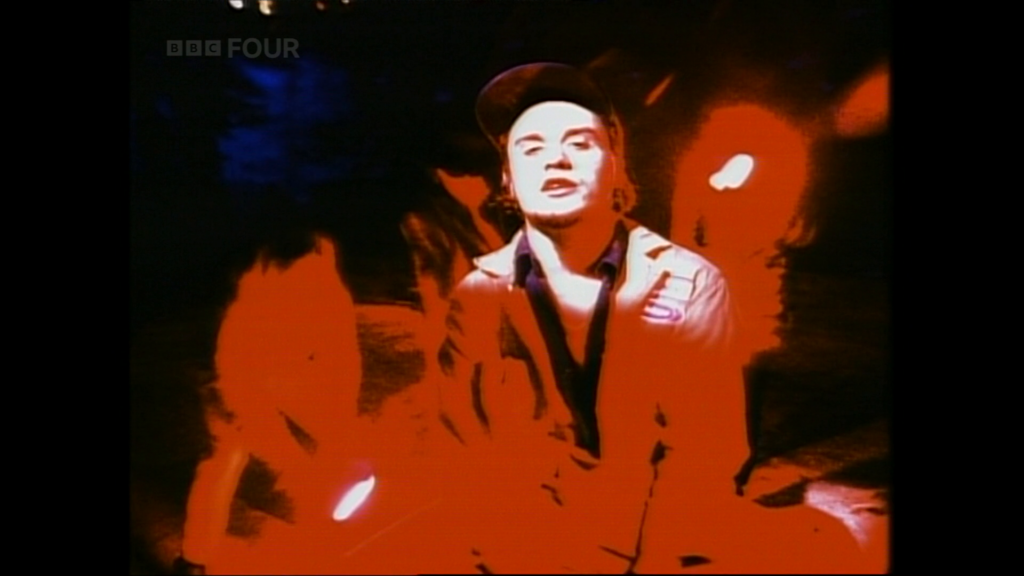
We then push onto our first music video of the night with Midlife Crisis by Faith No More. This piece of Californian alternative metal has something of a turgid, plodding feel that neither fully commits to the deep, slow satisfying notes of something like War Pigs or the faster, thrashier sound popular in other pieces of early 90s metal. Indeed, it feels so much like filler that I was surprised to find that it was the first – rather than fifth – single to be release from its parent album, something that does not particularly encourage me to seek out any of it’s peers.
A new entry at a more than respectable number #10, Midlife Crisis would climb no further and would tumble out of the top 100 by the middle of July
My Destiny / Lionel Richie (In the Studio)
Chart Position: #New Album
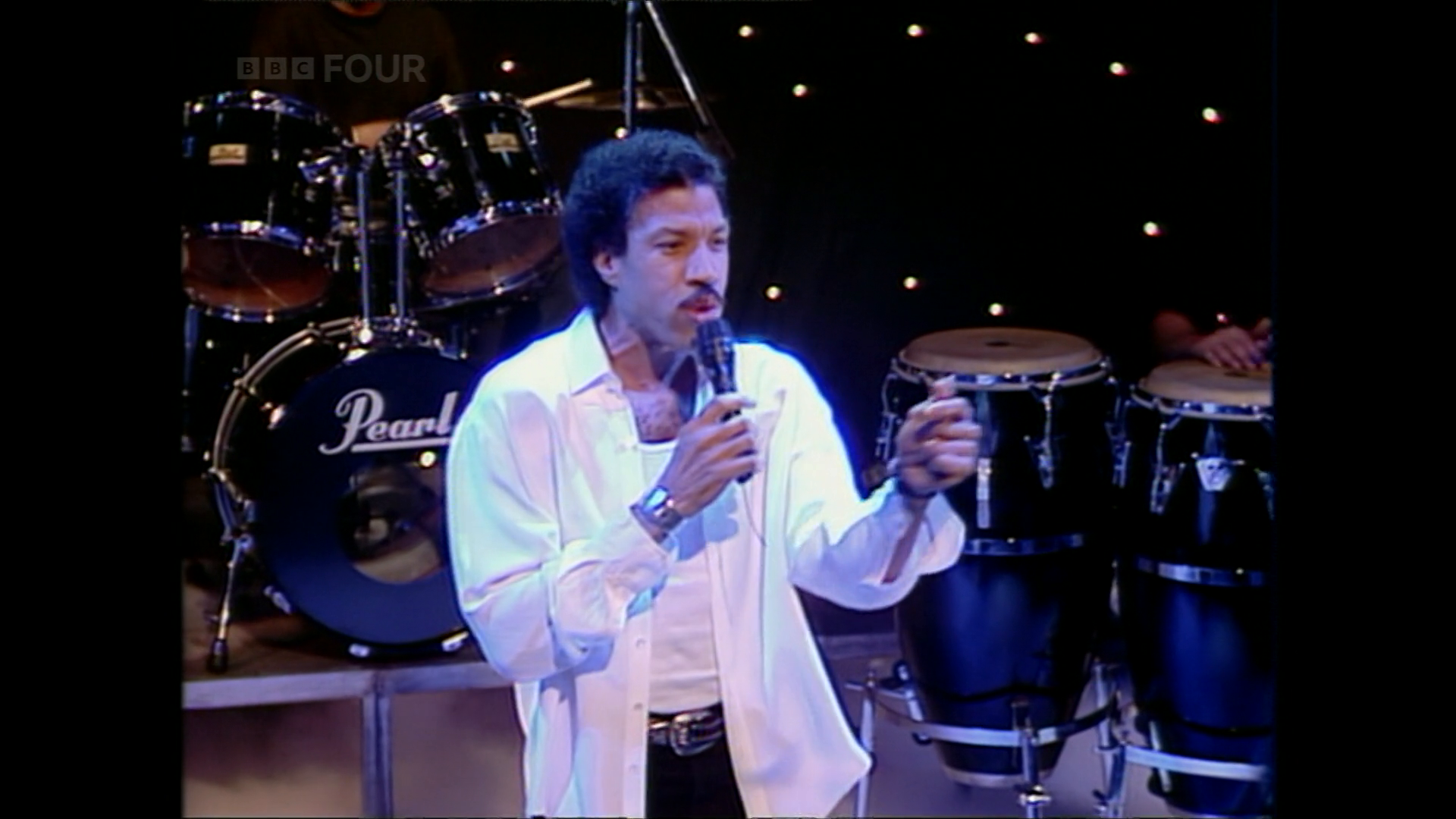
And onto our second studio performance of the evening – Lionel Richie and My Destiny. An oddly out-of-time throwback of a song performed as part of a promotion for Richie’s Back to Front album, this inoffensive single from the album is firmly a cut above the opening Take That number. Fully committed to getting his money’s worth from a stage-shrouding smoke machine, Richie is relaxed and confident in his stage presence and his backing group helps add some much need depth to a song that could have easily have been a let down had it been played with just a couple of synths. Alas, the audience doesn’t seem to share that opinion, and there is markedly less enthusiasm for Richie’s Take That beating performance than there was for the five young men who opened the show – though, of course, the average 1992 Top of the Pops studio audience member is hardly Richie’s core demographic.
Next week Back to Front would enter the album chart at number #1, a position it would hold for six weeks before slipping away and eventually exiting the album chart in the May of 1993. My Destiny would begin it’s own life as a single at the end of August and would peak at number #7 at the start of October 1992.
Hazard / Richard Marx (Via Music Video)
Chart Position: #5
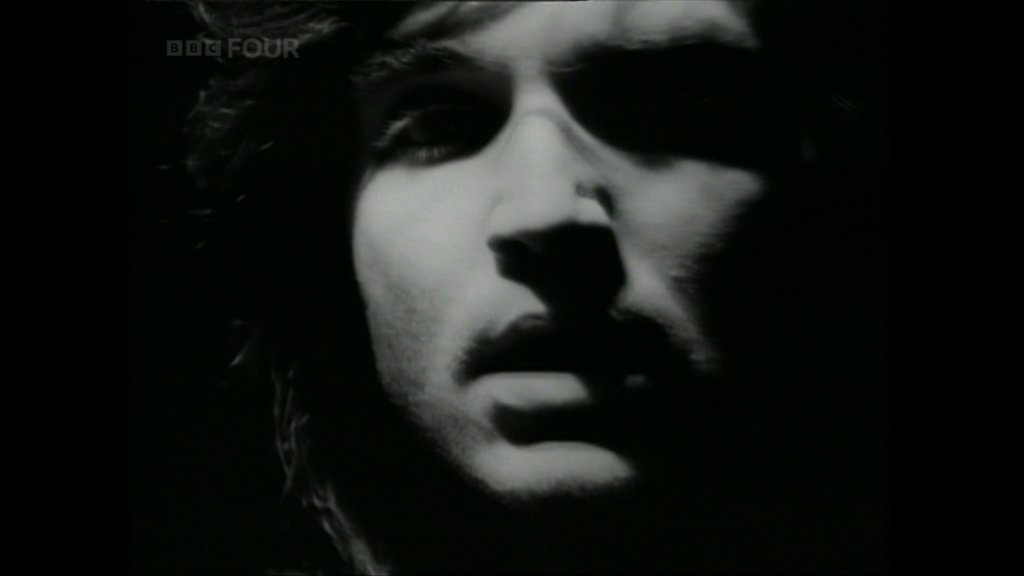
Our second video of the evening is from Richard Marx. Straddling the black and white divide of soft rock and ‘adult contemporary’ (whatever that actually means…) comes Hazard and it’s Americana-enthused tale of a small town oddball mixed up in the disappearance of a local woman. Shots of Marx singing are scattered throughout a music video filled with the standard cliches of an American small town deep in the mist of a tragedy – lingering shots of sad looking children, angry looking men shouting, and a rotund sheriff unsympathetically investigating the dark deeds that may or may not have occurred all feature as and when you would expect them too. It was probably all tremendously meaningful to the kind of man who claimed to rent foreign films but actually just had Die Hard on repeat, but today just feels rather generic.
Marx is a competent and capable singer – and there is nothing particularly wrong with either his performance or the performance of his backing group – however the song itself is a fairly dull piece and, even with TOTPs abrupt truncation of the music video long before it should end, I was left thinking that Hazard had already overstayed it’s welcome.
After spending another week at number #5, by the end of June Hazard would reach 3rd place in the charts before declining and exiting the top 100 towards the end of August.
Something Good / Utah Saints (In the Studio)
Chart Position: #9
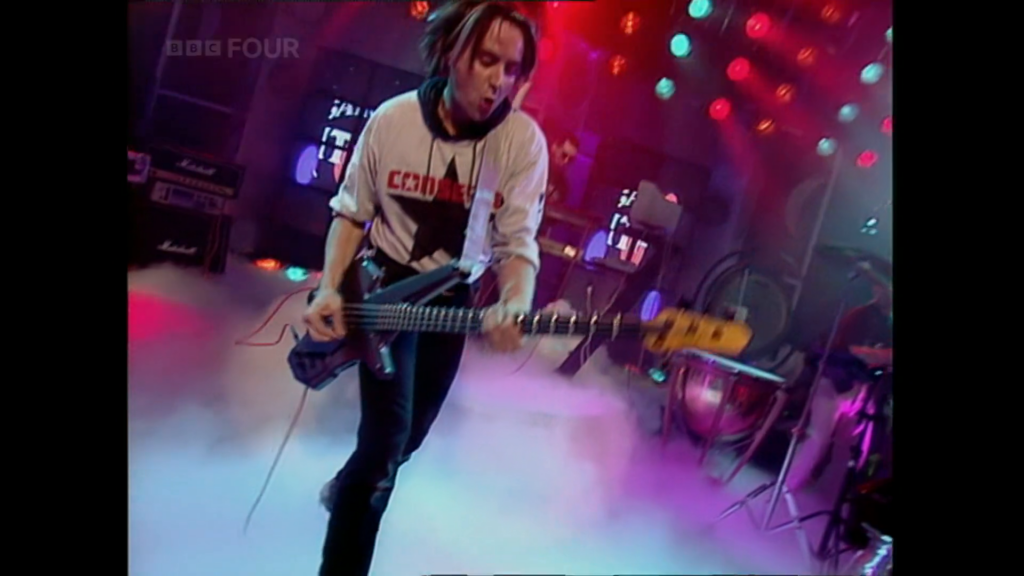
Our third studio performance of the week is from Utah Saints with the upbeat Something Good. A dance track sampling parts of Kate Bush’s Cloudbusting and, rather wonderfully, actually featuring a man singing a stuttered “Utah Saints” that, I assume, a looped tape recorder took care of on the official release, the next few minutes are probably the most fun we’re going to have this evening. Oh, and they appear to have borrowed Lionel’s smoke machine!
Alas the audience again fails to agree with me – the Saints, like Lionel above, are greeted with a somewhat perfunctory bop that is firmly lacking in comparison to the screaming reception that Take That received at the top of the program.
This week’s #9 place in the charts marked the start of Something Good’s 1992 campaign – a campaign that culminated with a high of #4 towards the end of June ’92 followed by an eventual exit from the top #100 in early August. A 2008 remix and rerelease would see a significantly longer chart run of 24 weeks and a peak at #8.
The One / Elton John (Via Music Video)
Chart Position: #13
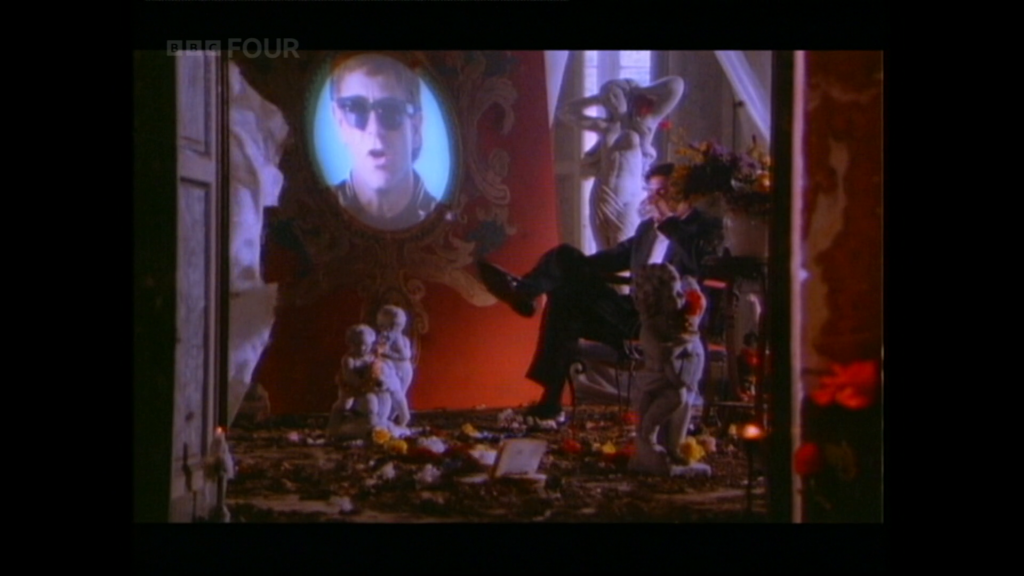
And then we move on to Elton John’s second third (because I am counting that damned George Harrison video!) appearance in Random Acts of Top of the Pops. The One is both the title track to Elton John’s 23rd album and the first single to be released from it.
A somewhat by-the-(Elton)-numbers ballad, The One is the second piece of middling ‘adult contemporary’tm to grace this episode and, of the two, it is the far stronger song. Somewhat melancholy in tone, The One is a tale of a man who not only appears to have lost the love of his life but appears to have been, at the very least, somewhat responsible. The video is well shot – Elton is superimposed onto the various walls and furnishing of a gothic pile cluttered with both the detritus and memories of this failed relationship – but even this video is not enough to rescue this fairly middling piece and you find that you’re left with a song that’s soon forgotten.
By the end of June 1992 The One would rise to a high of #10 before dropping out of the chart in the twilight of July.
Take A Chance On Me / Erasure (In the Studio)
Chart Position: #NEW
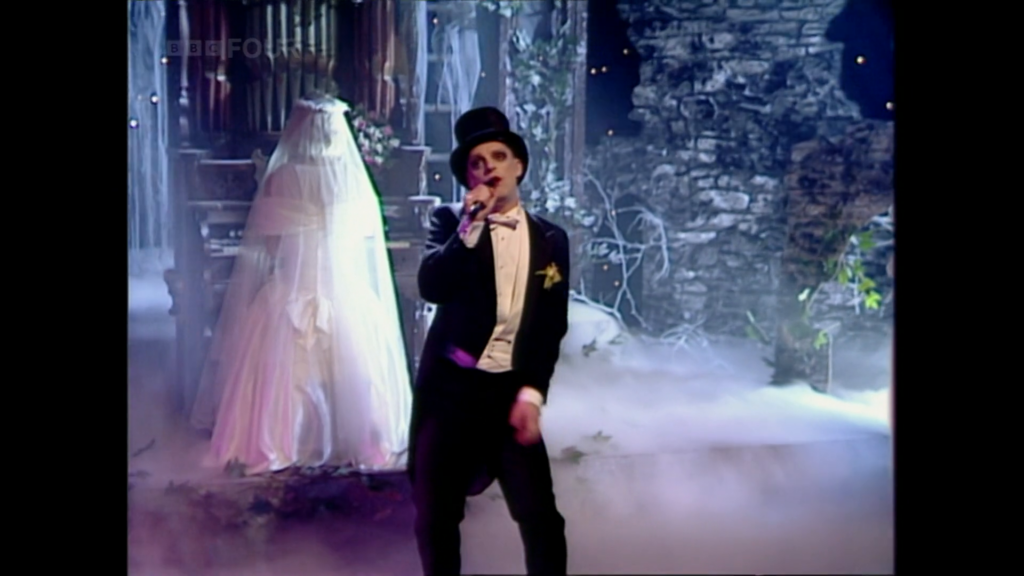
An ABBA cover of the synth-y variety, Erasure’s Take A Chance On Me is both the penultimate studio performance and penultimate track of the evening. And what a let-down it is. Though catchy, ABBA’s original Take A Chance On Me was never a particularly full-bodied track – lacking, as most Europop does, a decent baseline – but, even in comparison to that piece of Swedish Europop, this Erasure cover is weedy, slight, and karaoke-esque in tone. And the feeling that this performance is actually a piece of holiday-camp karaoke isn’t helped by the presence of what can only be described as Poundland Nightmare Before Christmas stage theming.
And then there’s the rap section…
Or, more appropriately, the ‘rap’ section.
Now, 1992 was loosely at the point where rap had ceased to be the harbinger of the end of the world to but had not yet made it as far as something you might use to advertise training shoes or a soft drink. This burst of rap is neither; this is rap as seen though a local-government subcommittee that’s decided it must be down with the kids and, gosh darn it, that new-fangled rap is the way to get there. A pastiche – almost offensively so – it adds nothing to this cover and does nothing to detract from the feeling of a holiday-camp stage show.
All in all, this cover of Take a Chance on Me is radically unimpressive. Never released as a single, Erasure’s Take a Chance on Me has no chart history.
Fortunately.
Please Don’t Go / Kws (In the Studio)
Chart Position: #1
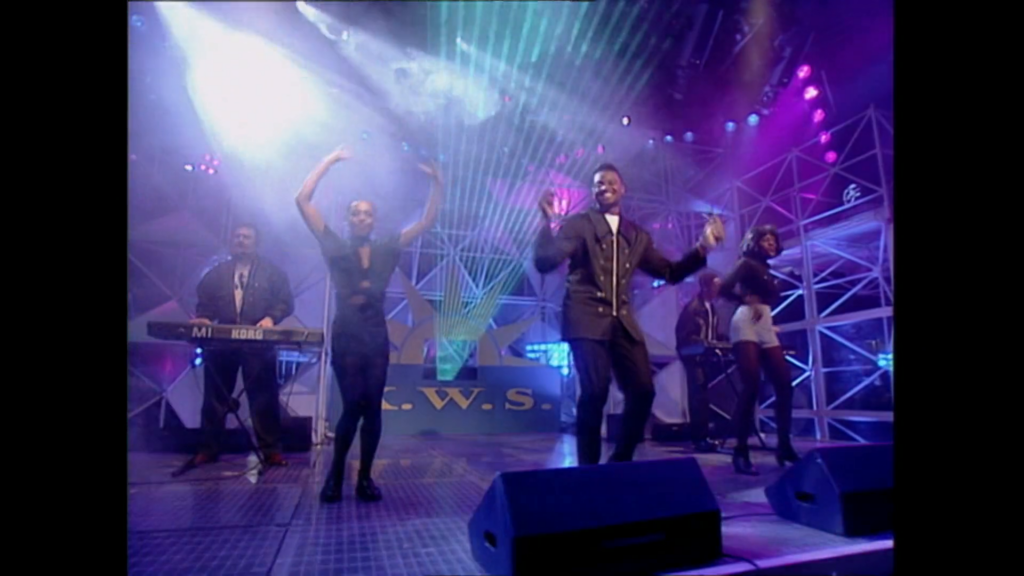
And, as it tradition, we finish with the week’s number one – a Kws cover of KC and the Sunshine Band’s Please Don’t Go. A poppy, chipper tune that Kws dropped just in time for the summer dance season of 1992, it managed to mix house beats with the strong voice of Delroy St. Joseph and it’s easy to understand why this cover version still makes the rounds of the various 90s radio stations. Some might criticise it as both slight and safe – especially when compared to something like Marx’s Hazard – but with Please Don’t Go Kws found a niche and managed to successfully ride it to both number one and over 500,000 sales – and they managed to top it off with a fancy lunch! Not bad for a couple of days work for the chaps from Nottingham.
This was Please Don’t Go‘s fifth and final week at number one before it eventually exited the charts in the first half of August.
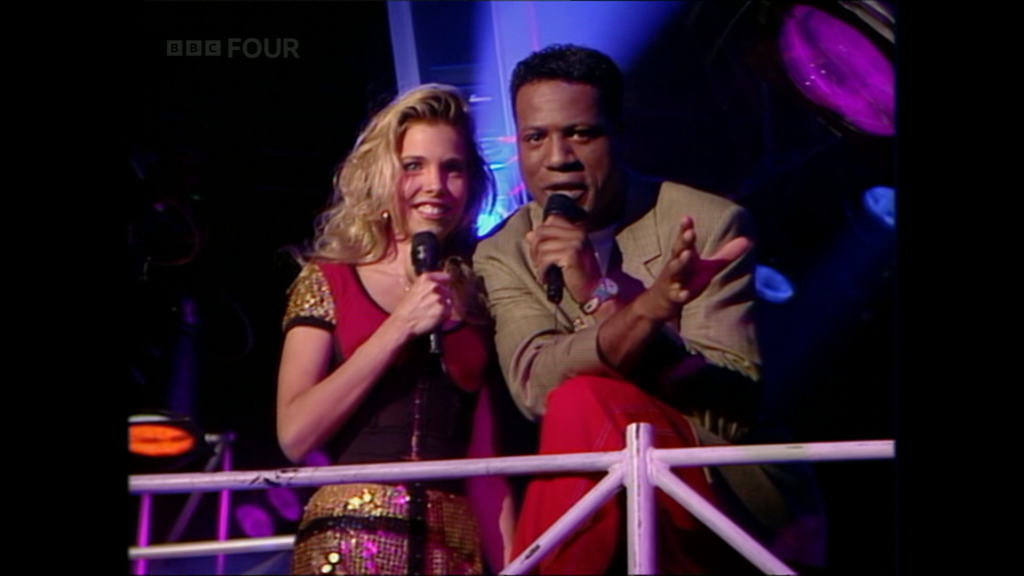
This week’s episode was a middling show with muted highs from Utah Saints and Kws mixed with deep lows from Erasure. Take That’s It Only Takes… felt especially like weak start for a group that became as strong as they did just a year or so later. And brief snatch of the ever irritating U2 before the end credits left something of a bad taste in your reviewers mouth.
See you next time.
Next Time: In our earliest RAoToTP yet we head back to March 13th, 1975!
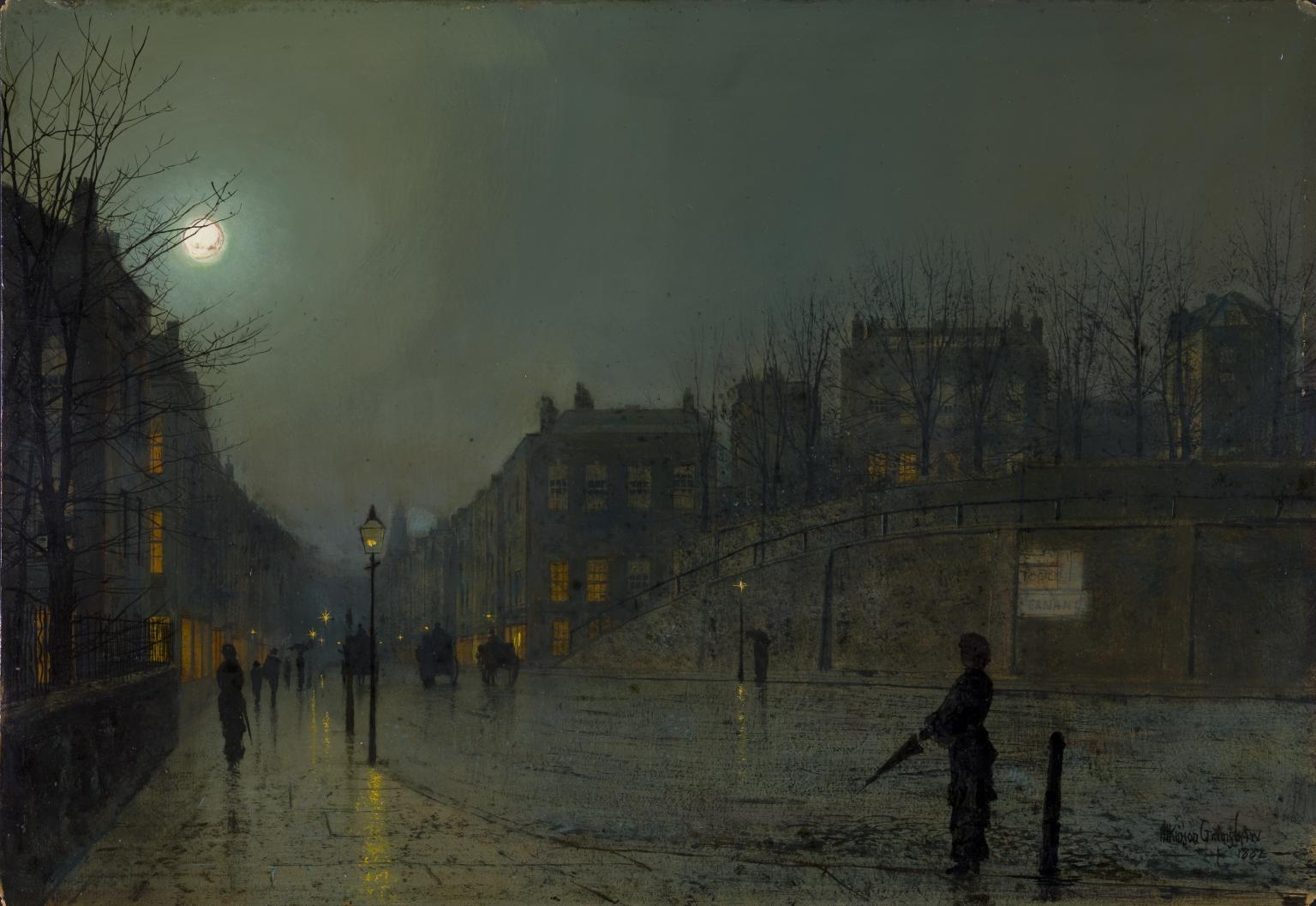
A somewhat moody piece for these dark December nights – Atkinson Grimshaw‘s View of Heath Street by Night.
Another lovely little tune from the Manic Street Preachers.
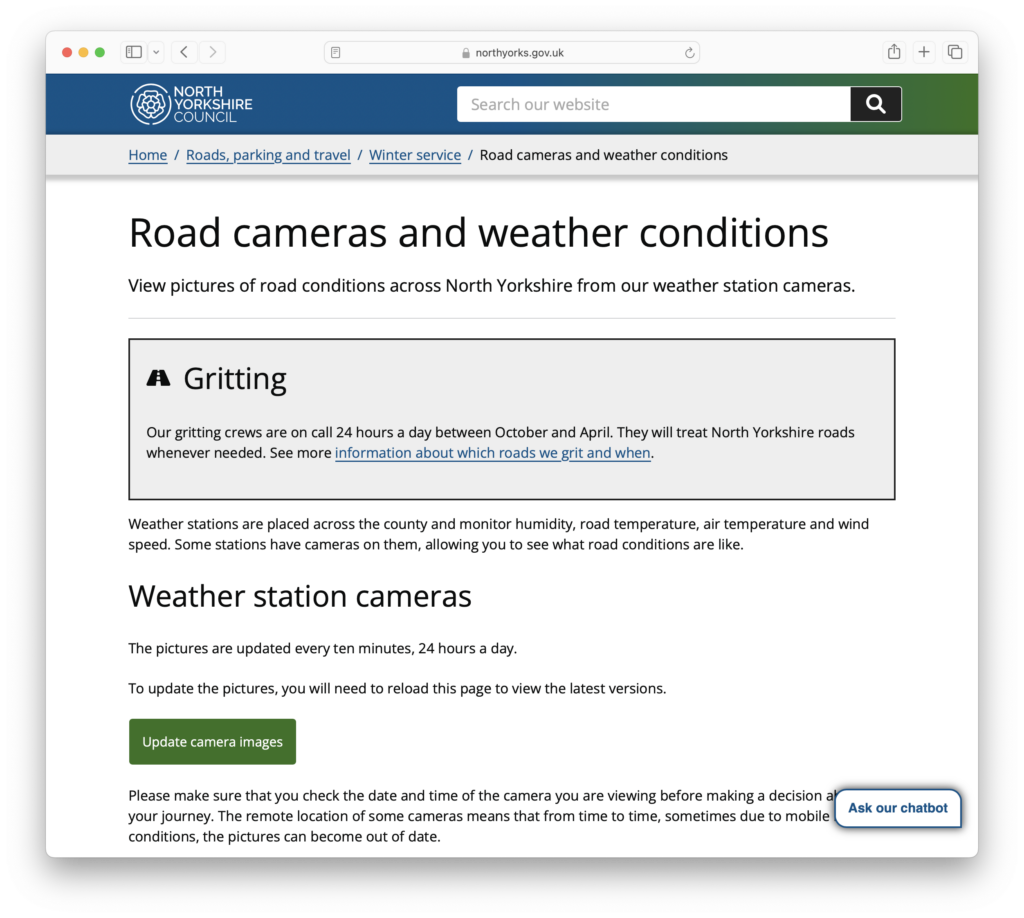
So it turns out that North Yorkshire Council runs a set of weather station webcams and makes them available to view by the general public.
Continue reading “North Yorkshire Council Weather Station Cameras”moonmoons by Anna Meredith is a distinctly more-ish mix of swooping strings and synths.

It’s time to add another machine to Period Sites with Period Browsers – this time it’s an instance of Windows 95 with Attachmate’s Emissary 2.0. See it’s first run here!
The autumn trailer for York Art Gallery. The William Morris exhibit looks like it should be interesting.
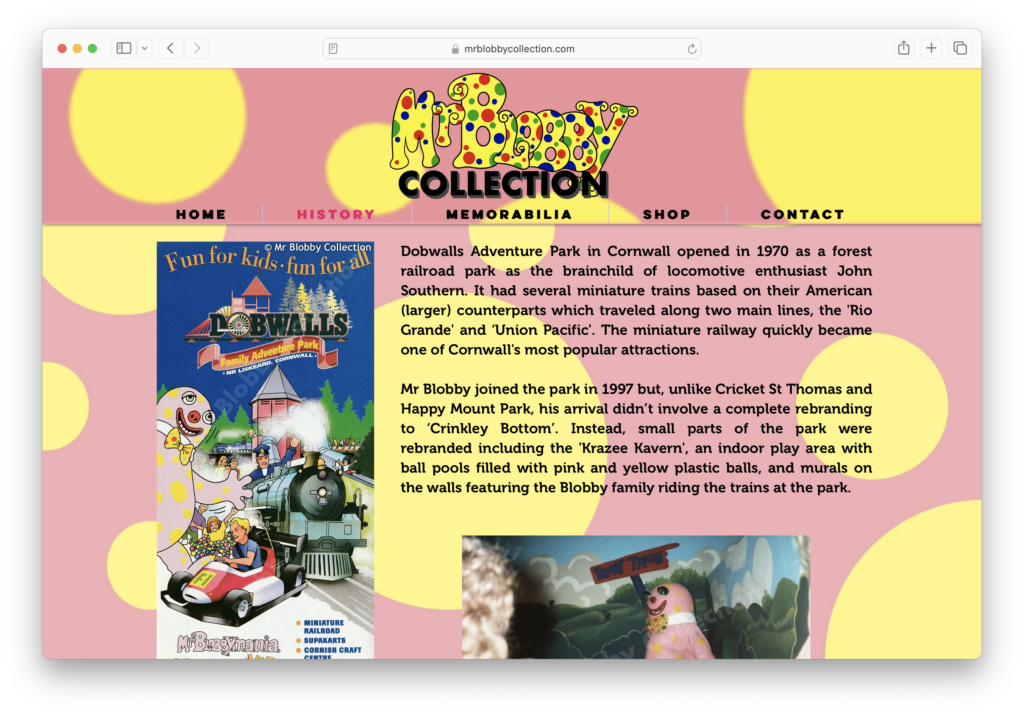
As it’s halloween then it’s probably time to point out the greatest collection of evil around – The Mr Blobby Collection. It’s an entire site dedicated to the Great Satan himself – Mr Blobby!